
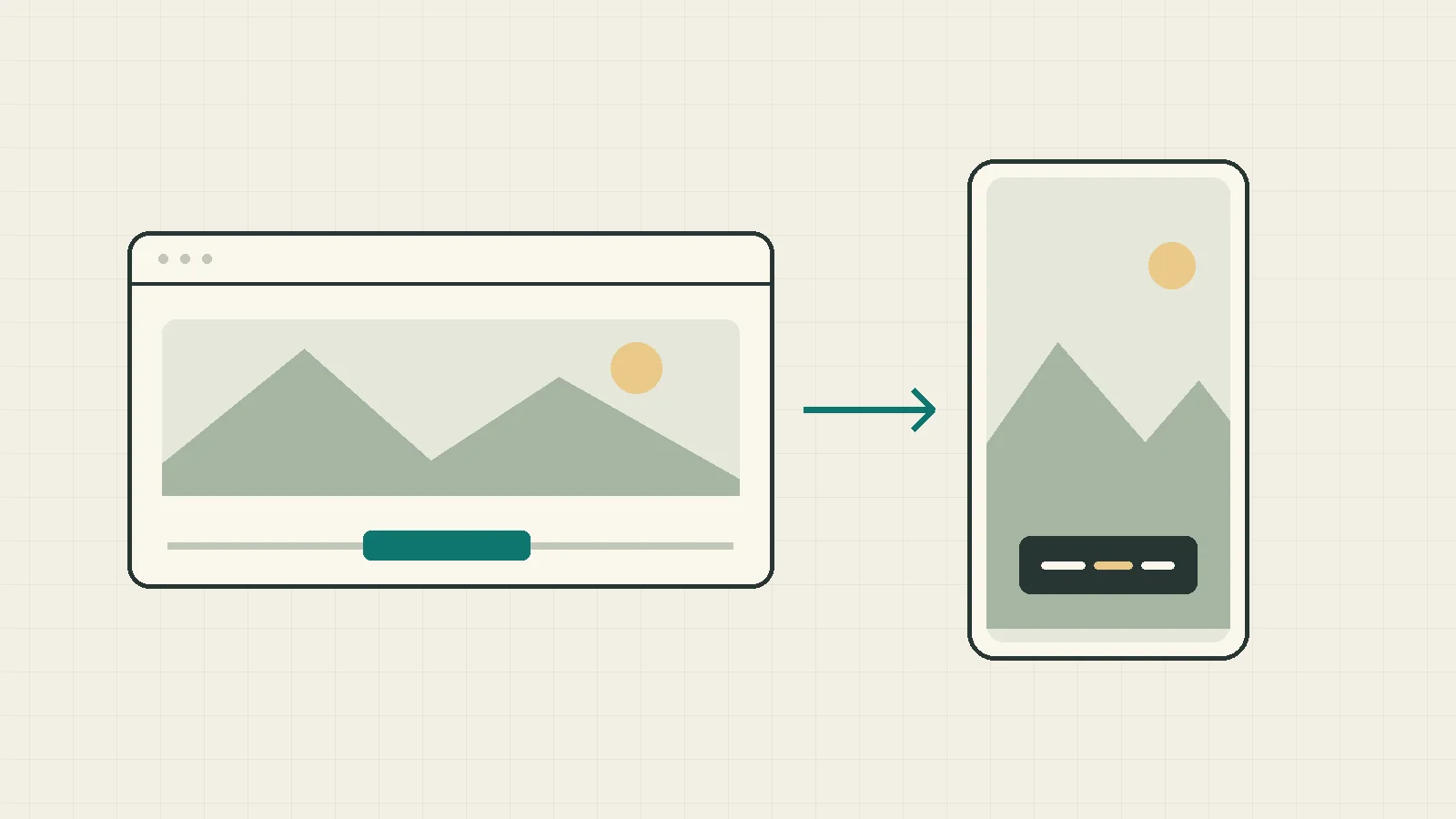
- Import footageUpload a file, paste a link, or record a live stream
- TranscribeRecognize speech and timestamps locally
- Pick highlightsSelect by transcript or use loudness alone
- Render clipsCrop to 9:16 and caption recognizable speech

01
What can PeakCut clip?
Upload a video file or import a link from YouTube, Twitch, or Kick. For footage with clear speech, PeakCut transcribes the audio locally and can use the transcript to find excerpts that make sense on their own. It renders 9:16 clips with word-by-word captions and can add an opening hook. It can also record a stream and look for highlights while it is still live, using audio levels, chat activity, and speech. See the project overview.
English interview, podcast, or stream replay
- What to try first
- Upload a short sample and use transcript-based selection
- What to check
- Can someone who missed the original follow the clip from the opening line to the end of the thought?
Gameplay without commentary
- What to try first
- Use loudness to find candidates and review them manually
- What to check
- An explosion can trigger a clip while a quiet, decisive play can slip through
Live stream
- What to try first
- Try live capture with audio, chat, and transcript signals
- What to check
- Check whether bursts of chat coincide with moments worth keeping
Mandarin-language video
- What to try first
- Try a short representative sample before processing a batch
- What to check
- The upstream documentation lists English by default and an optional Arabic model. It does not list a Chinese speech model
| Source footage | What to try first | What to check |
|---|---|---|
| English interview, podcast, or stream replay | Upload a short sample and use transcript-based selection | Can someone who missed the original follow the clip from the opening line to the end of the thought? |
| Gameplay without commentary | Use loudness to find candidates and review them manually | An explosion can trigger a clip while a quiet, decisive play can slip through |
| Live stream | Try live capture with audio, chat, and transcript signals | Check whether bursts of chat coincide with moments worth keeping |
| Mandarin-language video | Try a short representative sample before processing a batch | The upstream documentation lists English by default and an optional Arabic model. It does not list a Chinese speech model |
02
How to install PeakCut locally
Install Git, Python 3.10 or newer, and FFmpeg. On macOS or Linux, use a virtual environment for the Python dependencies.
git clone https://github.com/haziqahmedqasmi/PeakCut.git
cd PeakCut
python3 -m venv .venv
source .venv/bin/activate
python -m pip install -r requirements.txt
python -m studio.server
Open http://127.0.0.1:8765 after starting the server. The project documents a one-time speech model download of about 480 MB on first launch. On Windows, follow the upstream quick start, which recommends a short install path. Start with a video you have permission to use and review the crop and captions before enabling live capture or connecting publishing accounts.
For a server install, the project includes Docker Compose with PostgreSQL and optional HTTPS through Caddy. Enable account mode and follow the access-control guidance when other people can reach the deployment. Queued and automatic publishing require connected YouTube, Instagram, or TikTok accounts. Public posting depends on each platform’s app configuration and review requirements. See the deployment and publishing guide.
03
Can PeakCut caption a video with no subtitles?
Yes. It recognizes speech from the audio track. English transcription uses sherpa-onnx and NVIDIA Parakeet locally, with no per-minute transcription API charge. Background music, poor audio, and overlapping speakers can reduce transcription accuracy. Loudness can still suggest highlights in footage without dialogue. Captions require recognizable speech. See the transcription implementation.
04
Do you need a paid AI API key?
You can start with loudness-based selection without a key. For selection by what people say, and for generated titles and hooks, configure a chat model that can return JSON. A cloud provider may receive transcript text for those tasks and charge according to its own rates. Ollama can keep model-based selection local. Budget for compute and disk space for media downloads, transcription, and rendering in either case. See AI provider setup.
05
What to test before setting up a batch
Run the same short interview or stream replay through loudness-based and transcript-based selection. Watch the finished clips from beginning to end. Check whether the segment keeps the full thought, the captions match what was said, and the speaker stays in frame after the vertical crop. If most of your footage is in Mandarin, validate the subtitles on representative clips before committing to a deployment.
This guide is based on the upstream source and documentation. The installation steps and clip output were not tested hands-on.